Everything your co-op runs on, in one simple place.
From enrollment to the weekly schedule, here is what LearningPads does.
Enrollment
Parents sign up their own kids.
- Families sign up on their own, so you stop being the middleman for every request
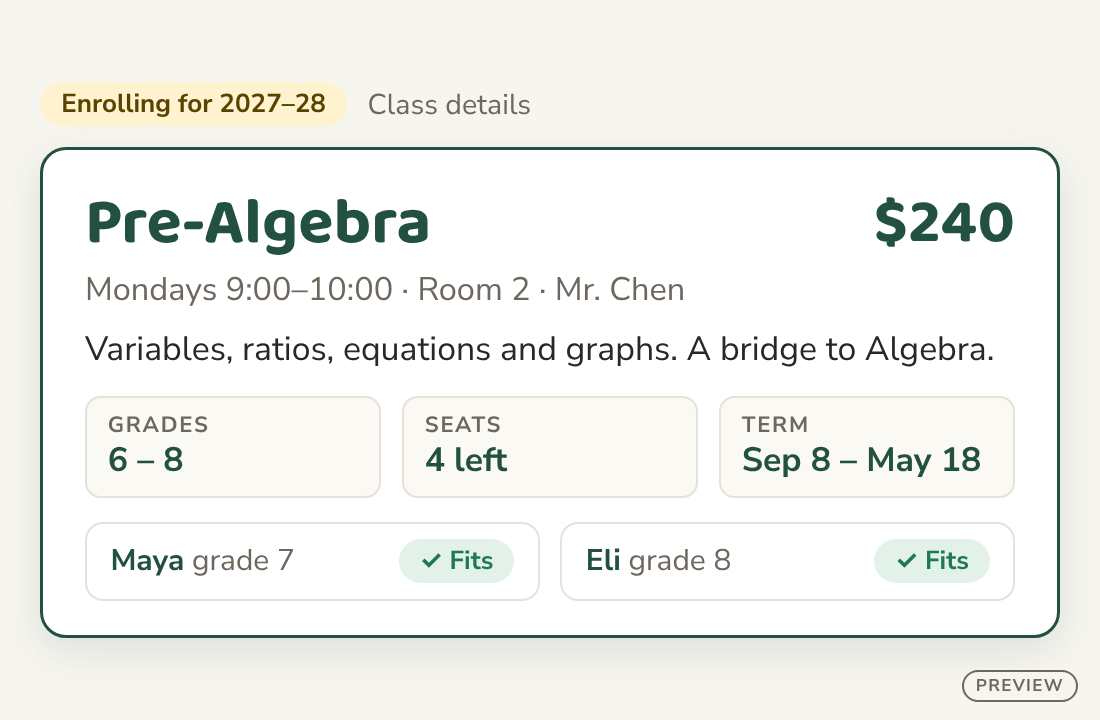
- Families see the classes that fit each child best, by age and ability
- Parents with several kids sign them all up in one visit
- Classes for multiple grades? No problem.
Family portal
Families see the big picture and stay connected.
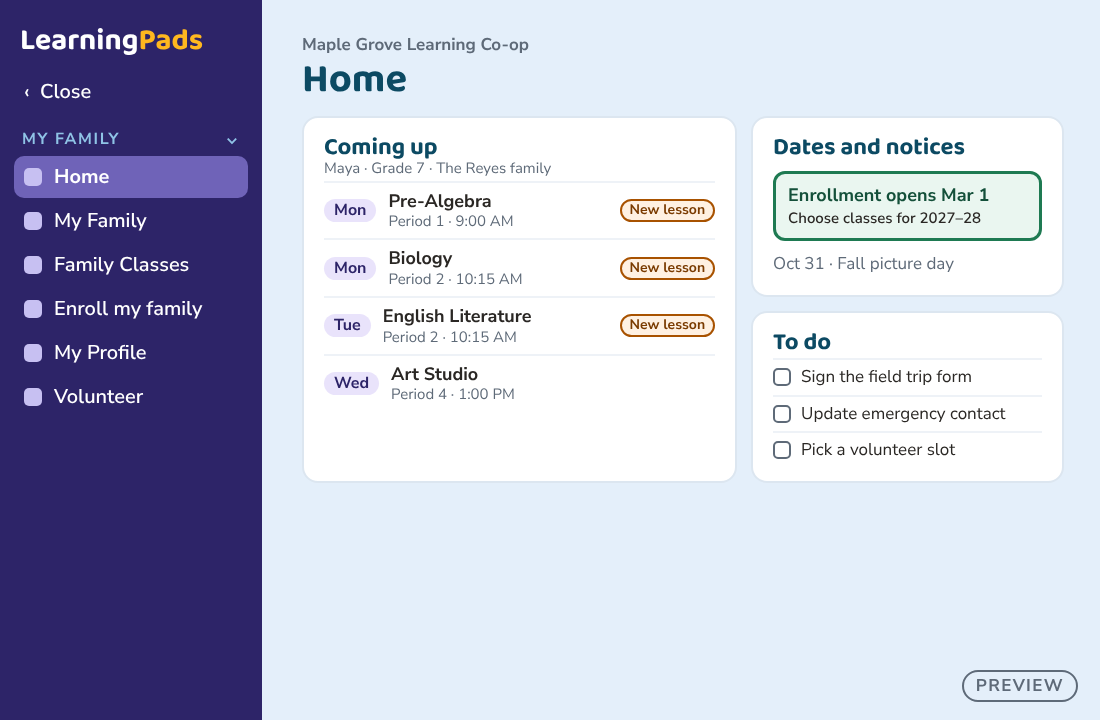
- Parents see every child’s lessons and schedule in one place
- Teachers share lessons and plans once, and families and students see them
- Students log in to see their own classes and lessons
- Class costs are clear to every family, with no surprises
- Everyone sees the view built for them, so the whole family stays in the loop
The school day
The whole school year, in one schedule.
- Planning the next year, simplified
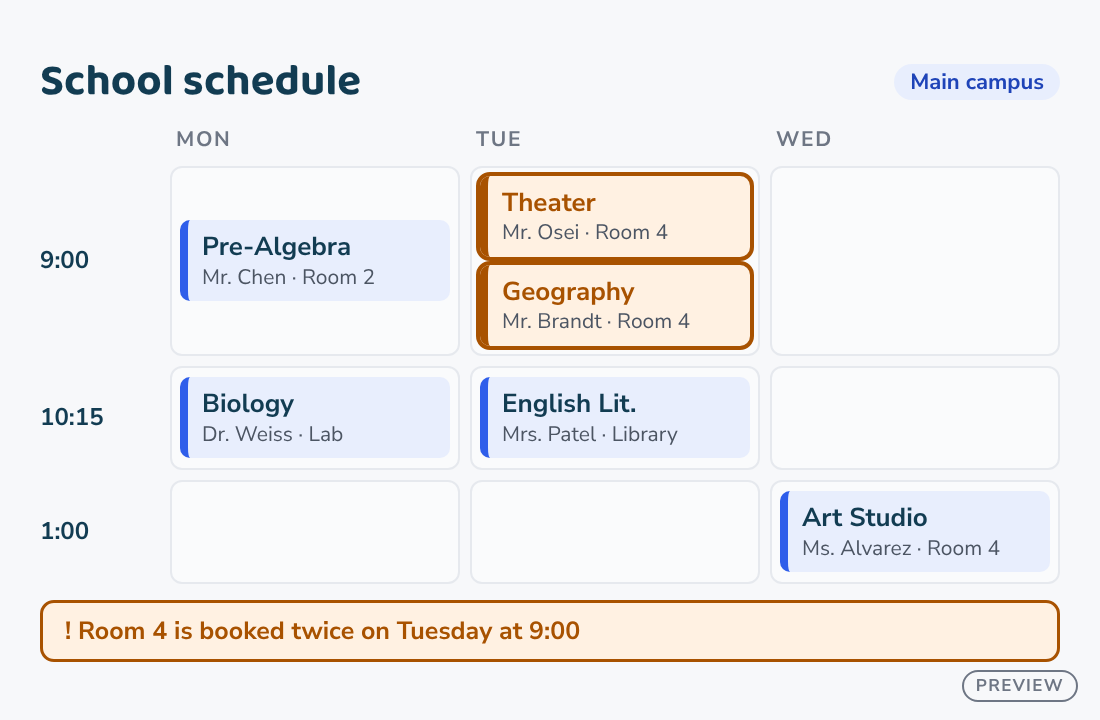
- Every class has its day, period and room, so nobody asks “who has the art room?”
- Set up your year, classes, periods and rooms once
- The school and families see the same schedule in real time
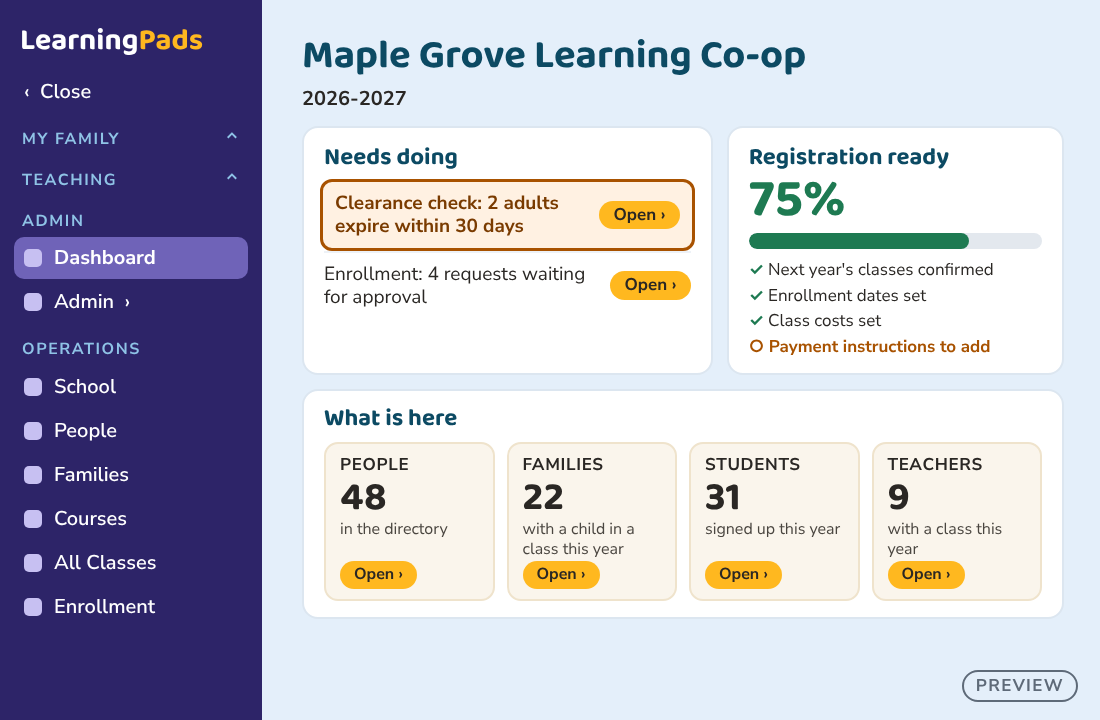
For the Director
Everything you need to run it, at a glance.
- Every class and its sign-ups in one view, seats and minimums included
- See which classes need a few more kids, while there’s still time to act
- A full class keeps a waitlist, and you call the next family
- Allergy and medical notes, where the right people can see them
- Teachers see their own classes and rosters
Grow with you
Starts simple. Grows with you.
Wherever you start, we’ve got you.
One location?
One weekly schedule. Start here.
Several buildings?
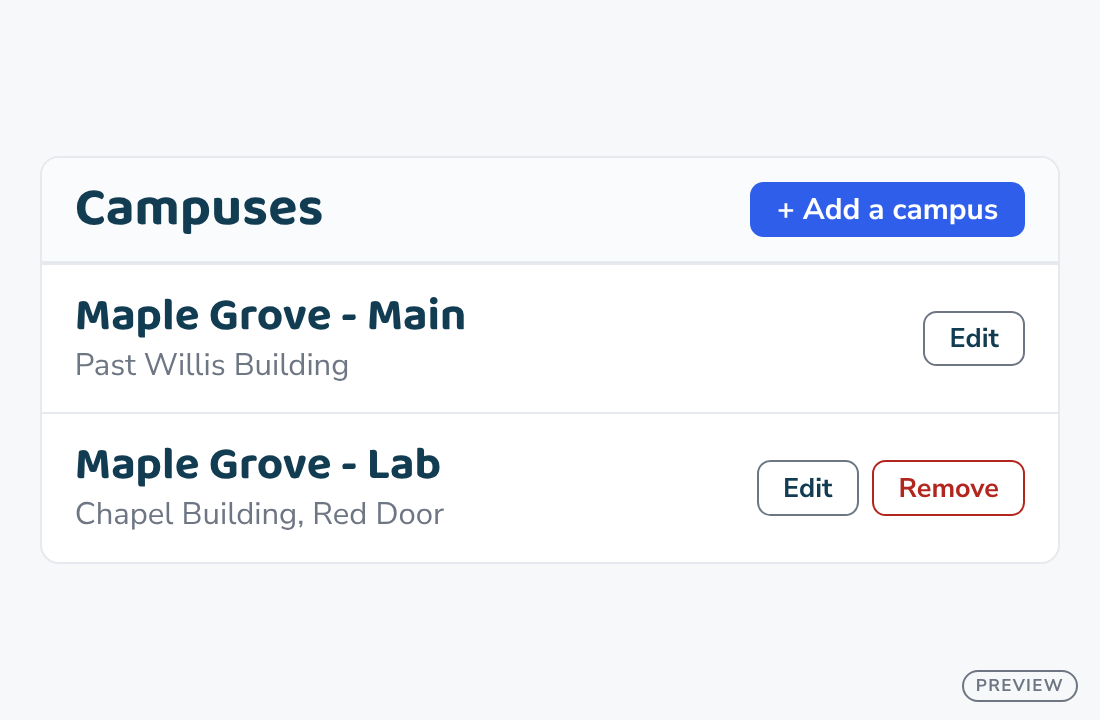
List the rooms in each.
Opening another site?
Add it, with its own days, hours and rooms.
Families always see where each class meets.